






Choose TradingView's best Australian CFD broker
We're delighted to be awarded 'Best in Forex and CFD: Australia' at the 2025 TradingView broker awards, in recognition of our cutting-edge execution technology, competitive pricing and dedicated service.
Why choose TradingView?
TradingView is known for its unbeatable charting tech and its supportive trading community, but that's just part of its story. Choose TradingView to:

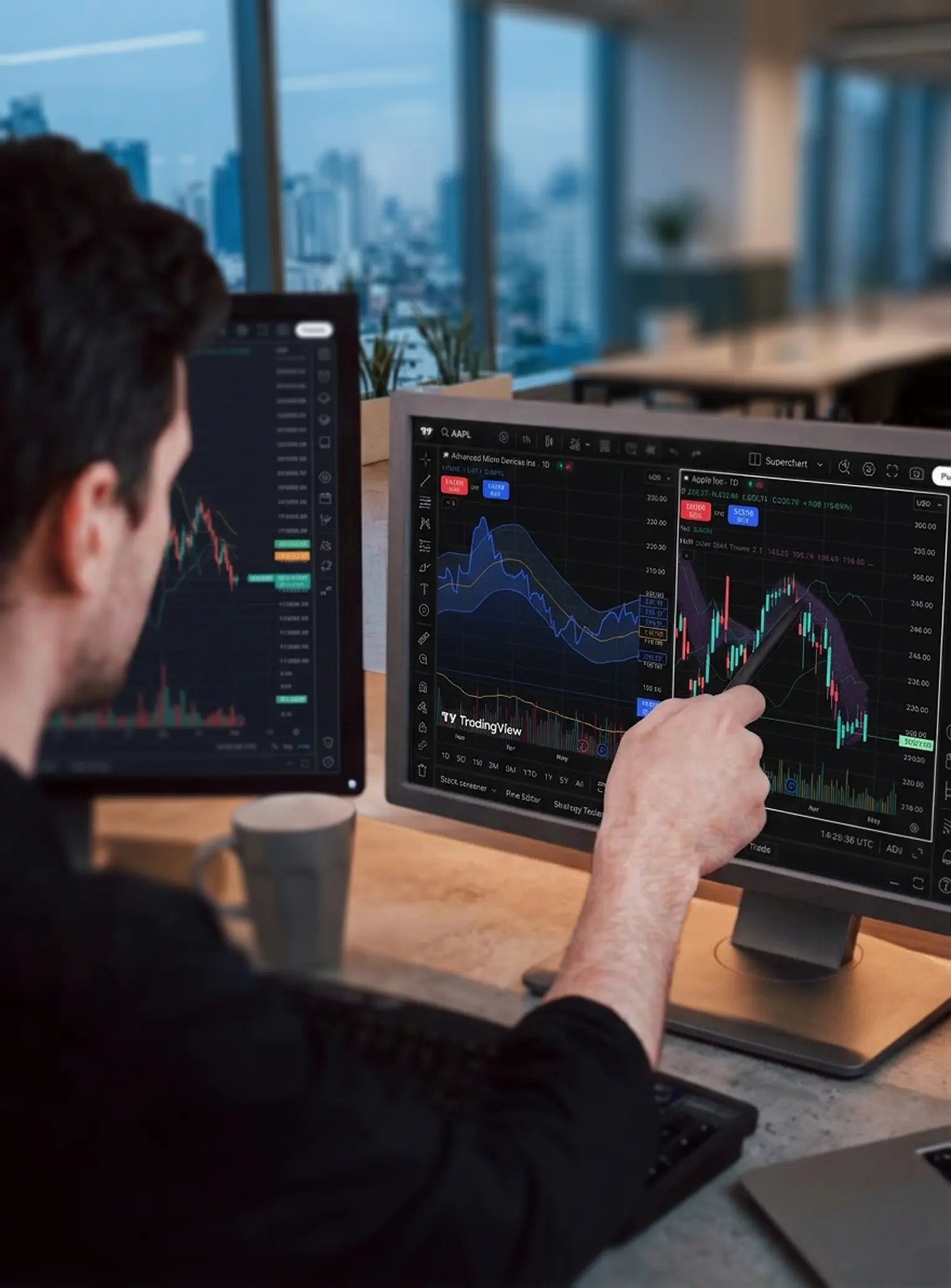
Discover Supercharts
Trade directly through charts including candlestick, Heikin Ashi and Renko, with multiple time frames and customisable themes.
You can view up to 4 or more charts per tab, allowing simultaneous monitoring of different markets or timeframes.

Combine 400+ indicators and alerts
Spot opportunities by curating a range of intelligent indicators, and set alerts to receive notification when specific conditions are met.
You can create, customise, or modify indicators using Pine Script,™ allowing for advanced personalisation of your strategies.
Discover Supercharts
Trade directly through charts including candlestick, Heikin Ashi and Renko, with multiple time frames and customisable themes.
You can view up to 4 or more charts per tab, allowing simultaneous monitoring of different markets or timeframes.
Combine 400+ indicators and alerts
Spot opportunities by curating a range of intelligent indicators, and set alerts to receive notification when specific conditions are met.
You can create, customise, or modify indicators using Pine Script,™ allowing for advanced personalisation of your strategies.
Combine 400+ indicators and alerts
Spot opportunities by curating a range of intelligent indicators, and set alerts to receive notification when specific conditions are met.
You can create, customise, or modify indicators using Pine Script,™ allowing for advanced personalisation of your strategies.
Discover Supercharts
Trade directly through charts including candlestick, Heikin Ashi and Renko, with multiple time frames and customisable themes.
You can view up to 4 or more charts per tab, allowing simultaneous monitoring of different markets or timeframes.

Learn from a vast social network
Get unique market insights and share ideas with the largest community of active traders and investors in the world.
As well as accessing diverse market perspectives, you can validate your personal analysis and network via comments, chats, and live streams.
Level up with the smartest tools
Use the screener to filter markets by multiple factors, practise with paper trading, or view full trading volumes at various price levels.
These are just some of the tools that can help you transform raw data into actionable intelligence, reducing manual effort and automating complex analysis.
Learn from a vast social network
Get unique market insights and share ideas with the largest community of active traders and investors in the world.
As well as accessing diverse market perspectives, you can validate your personal analysis and network via comments, chats, and live streams.
Level up with the smartest tools
Use the screener to filter markets by multiple factors, practise with paper trading, or view full trading volumes at various price levels.
These are just some of the tools that can help you transform raw data into actionable intelligence, reducing manual effort and automating complex analysis.
Level up with the smartest tools
Use the screener to filter markets by multiple factors, practise with paper trading, or view full trading volumes at various price levels.
These are just some of the tools that can help you transform raw data into actionable intelligence, reducing manual effort and automating complex analysis.
Learn from a vast social network
Get unique market insights and share ideas with the largest community of active traders and investors in the world.
As well as accessing diverse market perspectives, you can validate your personal analysis and network via comments, chats, and live streams.
Why choose TradingView with Pepperstone?
We have 909,000 clients across 160 countries, with ten global offices.1 As well as getting dedicated, local support, choose TradingView with Pepperstone to get:
Free TradingView subscription
Get a free Essential, Plus or Premium subscription. Eligibility criteria apply.
Super-tight spreads
Starting from 0.0pts on margin FX and 0.08pts on Spot Gold CFDs, with a Razor account.²
Fast, reliable execution
From 50 milliseconds, with a 99.32% fill rate and no dealer intervention.³
24-hour US share CFDs
Trade when it matters, with key US stocks available around the clock.⁴
Free TradingView subscription
Get a free Essential, Plus or Premium subscription. Eligibility criteria apply.
Super-tight spreads
Starting from 0.0pts on margin FX and 0.08pts on Spot Gold CFDs, with a Razor account.²
Fast, reliable execution
From 50 milliseconds, with a 99.32% fill rate and no dealer intervention.³
24-hour US share CFDs
Trade when it matters, with key US stocks available around the clock.⁴
Which Pepperstone account is compatible with TradingView?
TradingView is available on our Razor CFD account,which offers commission-based pricing on marginFX and Spot Gold (XAU/USD)for experienced orhigh-volume traders. You’ll get Raw margin FXspreads from 0.0 points and 0.08 onXAU/USD, ² alongside fixed, transparentcommission from USD 3.50 per lot, per side.
The rest of our Razor markets are charged in the same way as a Standard account, where all fees (excluding any overnight funding) are included in the spread and there’s no commission to pay.
Please note that TradingView is not available on our Standard CFD account.

How to get started
Create account
Open an account with Pepperstone, choosing TradingView as your preferred platform.
Choose Pepperstone
Log into TradingView, go to your trading panel and select Pepperstone.
Log in
Log into your Pepperstone secure client area and you'll see a pop-up inviting you to connect to TradingView.
Approve access
Accept and you'll be ready to trade!

Unlock your free renewable TradingView subscription
Enjoy ad-free trading with active technical alerts
Frequently asked questions
Visit TradingView's website and tap the ‘get started for free’ button.
You can trade via TradingView on our Razor account.
You can fund your TradingView account in the same way as any of our accounts. Log into your secure client area, and tap ‘deposit’ under the account you want to fund.
Information on funding and withdrawals can be found by following the links.
You can trade on a demo account if your live application is pending. If a demo TradingView account has not been created for you during the account-application process, you can request one from your secure ‘my account’ area once logged in.
Make sure ‘demo’ is selected at the top, then click on the ‘add a trading account’ button. You can then select ‘TradingView’, choose a CFD Razor account and submit your request.
Log into TradingView and connect using the trading panel as you would a live account. We’ll let you know as soon as your live account it ready.
You might be interested in
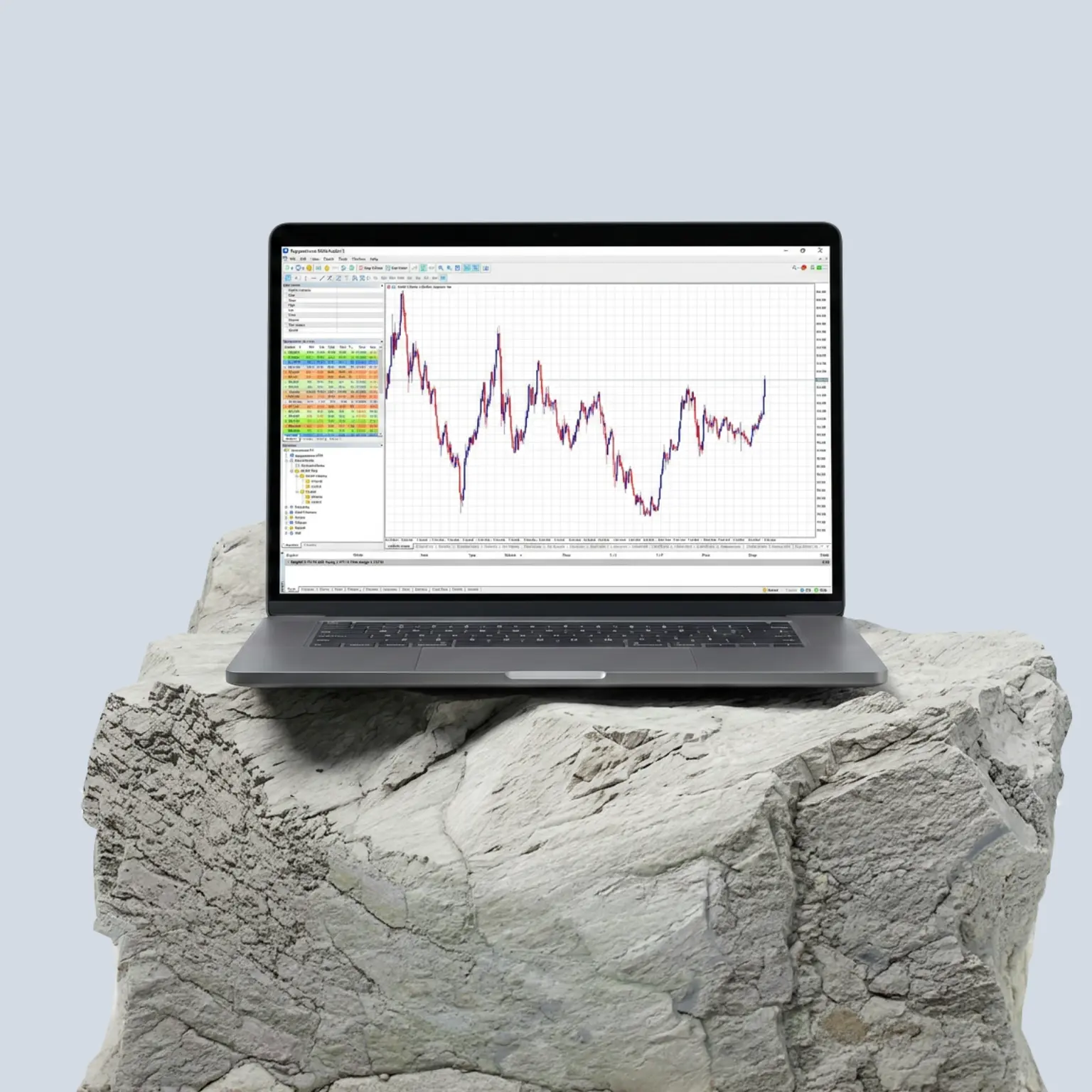
MT5
Discover MT4's smarter, faster cousin, with MQL5 programming for backtesting EAs.
Margin FX
Trade CFDs on 90+ majors, minors and exotics, with tight spreads and elite trading tech.

Indices
Gain broad exposure to whole sectors, with 24-hour pricing on the US30, UK100 and more.
Ready to trade better?
Switch to Pepperstone now and join our global community of over 900,000 traders.2 Apply in minutes with our simple application process.
Register
Sign up with your email address or social account.
Answer
We'll assess whether our products are appropriate for you.
Verify
Your safety is our top priority.
Fund
That's it! You're ready to trade.
Ready to trade with Pepperstone?
- Total number of accounts held with the Pepperstone Group globally, correct as of 1 March 2026.
- Other fees and charges may apply.
- 99.32%. Fill rates are based on all trade data between 01/10/2025 and 31/12/2025
- 24-hour trading, 5 days a week on select US share CFDs. For exact timings, please refer to the instrument specifications in your trading platform.